 COME
COMERecovering a COME account does not identify the app version
Successful account recovery and software version checks answer different questions. Verify each separately when returning to COME.
Confirm account access
Use the current login recovery route and keep passwords and codes private. Once access is restored, confirm that the intended account is active. Recovery does not tell you whether an APK update occurred.

Check the installed app
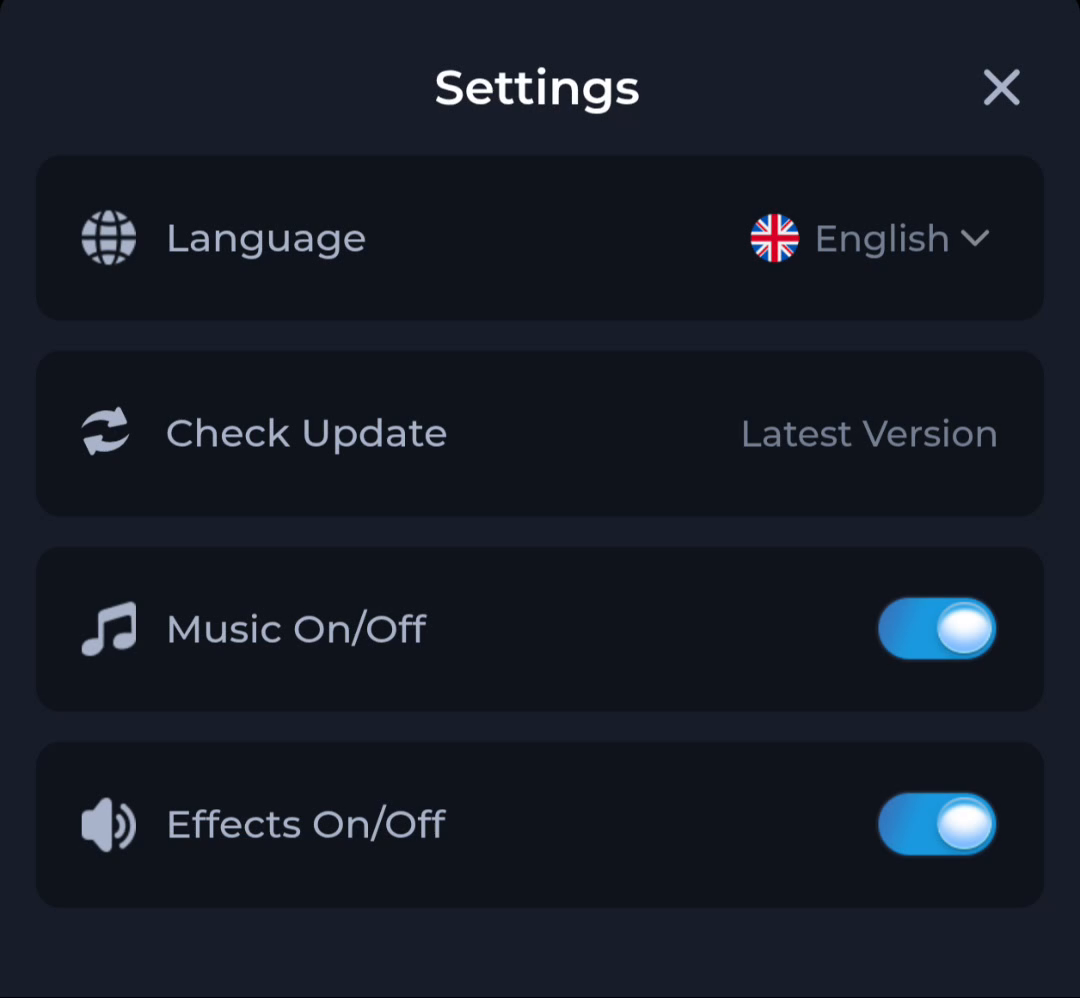
If version matters, inspect a version identifier in the phone or app detail view where available. The Settings update status is useful context but is not the account's recovery result.
Avoid combining fixes
Do not repeatedly reinstall while troubleshooting a recovery method unless the file or installation itself has an identified problem. Changing several layers at once makes it harder to know which action succeeded.
A useful next step
Continue with the recovered account, then review updates through the normal current route if needed.